888-258-7913



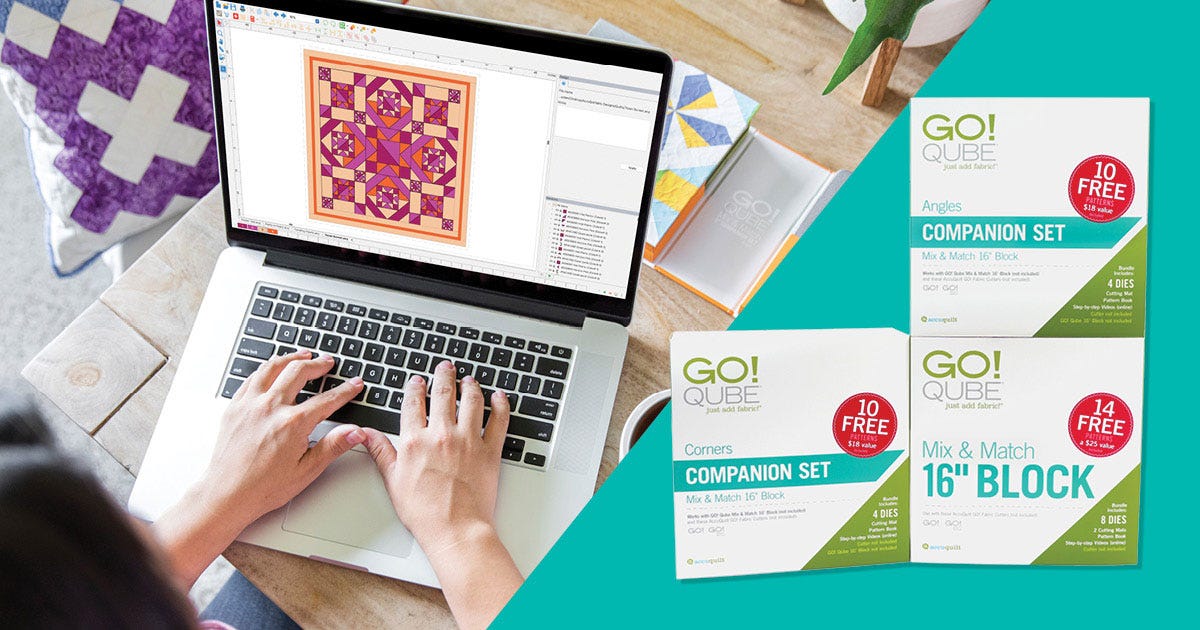
AccuQuiltable™ is AccuQuilt’s digital quilt design software, made specifically for GO!® fabric cutters and GO! Qube® dies. With the latest update, the entire GO! Qube 16” Mix & Match Block and Companion Sets are now available in the platform—letting you plan, visualize and build bold quilt blocks before you make a single cut.
This is a major leap forward for quilters who love the accuracy and ease of AccuQuilt products but want more control over their design process. Whether you’re designing digitally for the first time or expanding your use of GO! Qube systems, AccuQuiltable gives you a powerful set of tools to take your quilting further.
What is AccuQuiltable?
AccuQuiltable is quilt design software that uses die-accurate shapes from your GO! Qube sets. You get a beginner-friendly interface that matches exactly what you’ll cut with your fabric cutter.
There are two AccuQuiltable modules to choose from:
- Basic Tools: Manage your die library, view cutting diagrams, and keep track of the GO! Qube dies you own.
- Block Maker: Everything you get with Basic Tools + Build digital block layouts using actual die shapes—perfect for planning your next project in detail.
Together, these tools make it easier to go from concept to cut with total confidence.
-
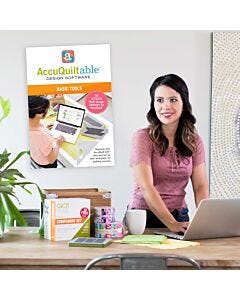 AccuQuiltable Design Software-Basic ToolsSpecial Price $19.99 Regular Price
$39.99You Save $20.00 -
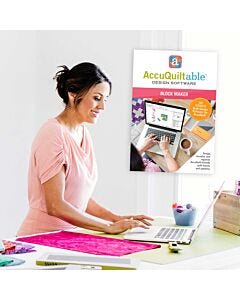 AccuQuiltable Design Software-Block MakerSpecial Price $239.99 Regular Price
$269.99You Save $30.00
About the GO! Qube Mix & Match 16" Block
The GO! Qube 16" is the largest Qube in the AccuQuilt lineup. It includes eight foundational dies like Squares, Half Square Triangles, Quarter Square Triangles, and more, all sized to create 16" finished blocks.
This set is ideal for quilters who want big, bold blocks with fewer seams. Here’s why it stands out:
- Fewer seams = easier piecing, especially for beginners
- Large-format design is perfect for bed quilts, wall hangings and donation quilts
- Modern look: bold blocks shine in solid fabrics
- Same die numbering system as smaller Qubes, so it’s easy to use if you're already familiar with 8", 10", or 12"
If you're looking to create statement pieces with clean lines and quicker construction, the 16" Qube is your go-to.
-
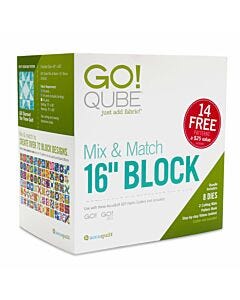 GO! Qube Mix & Match 16" BlockSpecial Price $399.99 Regular Price
$536.90You Save $136.91
Use the GO! Qube Mix & Match 16" Block in AccuQuiltable

The big news: GO! Qube 16" is now available in AccuQuiltable Block Maker.
That means you can:
- Plan your blocks digitally with drag-and-drop accuracy
- Audition different fabrics and color combinations before cutting
- Mix and match die shapes easily as you design
- Build out full quilt blocks before you ever touch your fabric stash
For larger blocks, digital planning becomes even more helpful. Every piece takes up more visual space, so getting the layout right matters. With AccuQuiltable, you can experiment freely, try new ideas, and see what works before committing to the cut.
Don't Miss the GO! Qube 16" Companion Sets: Corners & Angles

The 16" Qube isn’t just eight dies—you can expand your options with the Companion Sets:
- GO! Qube 16" Companion Set – Corners: Adds four corner-building dies perfect for stars, framed units, and more.
- GO! Qube 16" Companion Set – Angles: Adds angled shapes like kites and trapezoids for dynamic movement and modern designs.
Now that these sets are available in AccuQuiltable Block Maker, you have access to all 216 blocks designed for the 16" Qube system—all in a single digital platform.
This gives you:
- More design flexibility
- A faster way to explore block variations
- Easy access to even complex quilt layouts
- Whether you prefer traditional piecing or bold, contemporary shapes, the 16" system gives you hundreds of possibilities.
-
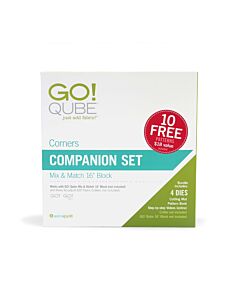 GO! Qube 16" Companion Set-CornersSpecial Price $279.99 Regular Price
$325.94You Save $45.95 -
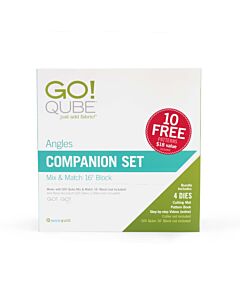 GO! Qube 16" Companion Set-AnglesSpecial Price $279.99 Regular Price
$325.94You Save $45.95
Why Design with AccuQuiltable?

AccuQuilt’s GO! Qube system was built to simplify cutting and piecing. AccuQuiltable Block Maker simplifies the design phase. When used together, you can:
- Design using only shapes you can actually cut
- Know your finished block size before you begin
- Reduce fabric waste
- Create with confidence and repeatability
It’s also an incredible learning tool for new quilters. Instead of relying on guesswork or traditional graph paper, AccuQuiltable Block Maker gives you a clear visual plan to work from. And because it's tailored specifically for the GO! system, there’s no need to do conversions or adjust measurements manually.
Your digital design becomes a true preview of your finished project.
How to Access the Update
Already using AccuQuiltable? Simply log in and open the software. A message will appear "There is a new update available! Would you like to download it now?" Select "Yes." The system will then reload where you’ll find the full GO! Qube Mix & Match 16" Block, Companion Set - Corners and Companion Set - Angles sets ready to use.
If you're new to AccuQuiltable, it's easy to get started. Just create a free AccuQuilt account, purchase and download the software through the site, log in and start designing!
FAQs About AccuQuiltable and GO! Qube 16" Mix & Match and Companion Die Sets
What is AccuQuiltable used for?
It's a quilt design tool that works with your GO! Qube dies. You can build blocks, test fabrics and plan full layouts before you cut.
What is the difference between AccuQuiltable Basic Tools & Block Maker?
AccuQuiltable Basic Tools gives you the essential foundation for getting started designing. It gives you access to a searchable die library, personalized die management, customizable workspace and rough cuttting guides.
AccuQuilt Block Maker includes everything in Basic Tools, plus, full design access to the software, like backdrop image and scaling, quilt block designer, custom block library, customizable fabric library, fabric swatch import and so much more!
Can I use the GO! Qube 16" in AccuQuiltable?
Yes. The entire GO! Qube 16" Mix & Match and Companion Sets are available in both Basic Tools and Block Maker.
Do I need to pay extra?
Nope! The GO! Qube 16" sets are automatically added to your AccuQuiltable software.
Can I estimate fabric yardage with it?
Yes! AccuQuiltable Block Maker helps you plan yardage based on the GO! Qube dies used in your block or quilt.
Is it beginner friendly?
Absolutely! It's built to be intuitive, even for first-time digital designers. Plus, you're working with familiar GO! Qube shapes.
Why This Matters
The addition of the GO! Qube 16" sets to AccuQuiltable is more than a software update—it’s a new way to design smarter, plan bigger and create with more confidence.
With just a few clicks, you can:
- Test new ideas
- Visualize color palettes
- Reduce cutting errors
- Experiment with layouts in a fraction of the time
Whether you're quilting for fun, for gifts or for your next show, AccuQuiltable puts powerful planning tools in your hands so your creativity can shine through every block.
So go ahead: open up AccuQuiltable, explore the 16" shapes, and bring your next big idea to life.
Ready to design smarter?
Explore AccuQuiltable now