Christmas in July: 25% off dies, cutter deals & more!

AccuQuiltable

  1. AccuQuiltable Strip Builder Design Software: Design Quilts with GO! Strip Cutter Dies

    AccuQuiltable Strip Builder Design Software: Design Quilts with GO! Strip Cutter Dies

    Design complete quilt projects with your GO! Strip Cutter dies using AccuQuiltable Strip Builder — seven quilt canvases, pre-made templates, and full layout control in one module.
    Read more »
  2. All About AccuQuiltable™ | Design Quilts & Blocks with AccuQuilt Software

    All About AccuQuiltable™ | Design Quilts & Blocks with AccuQuilt Software

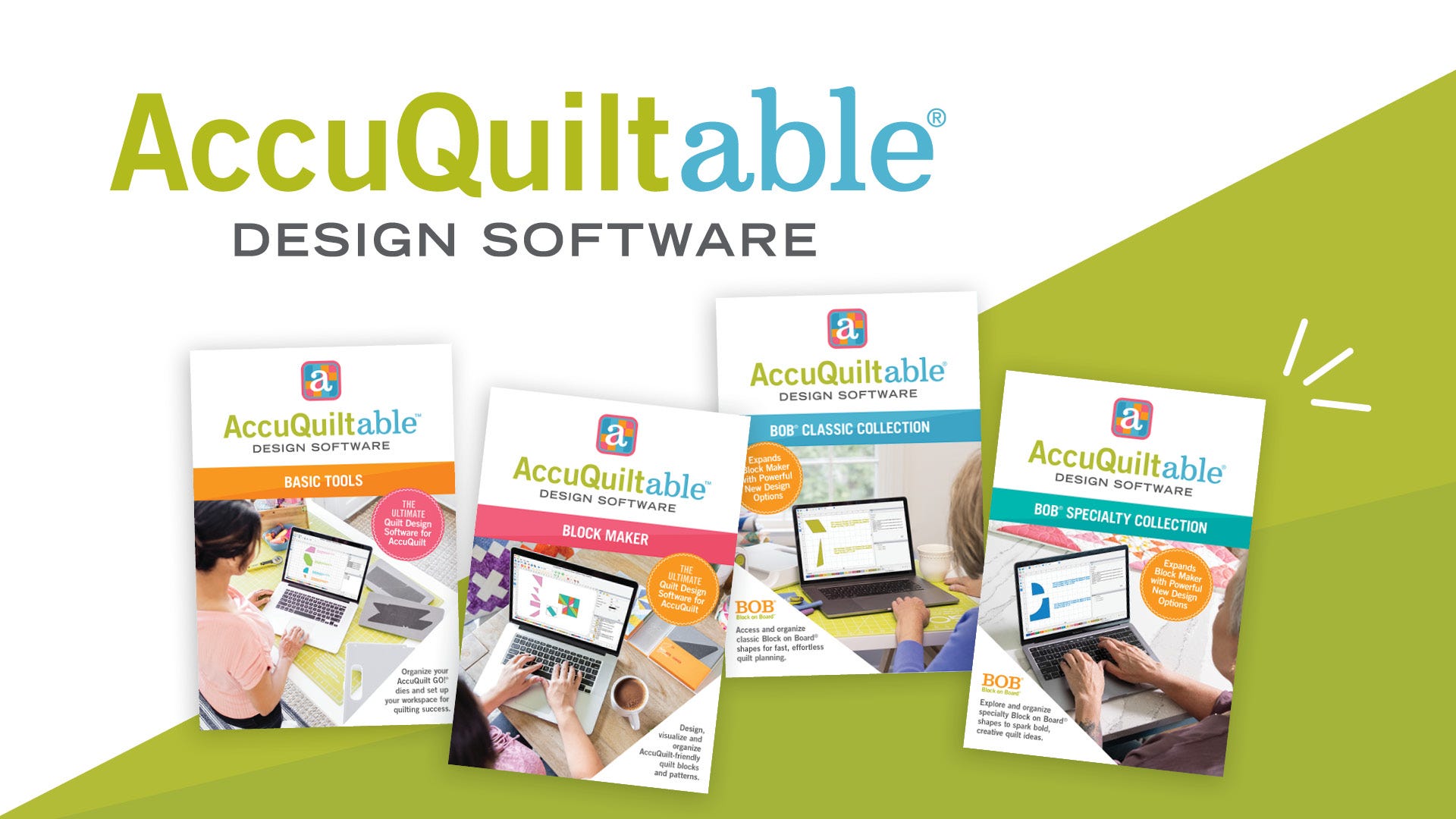
    Learn how AccuQuiltable works as a modular system, including Basic Tools, Block Maker and the new Block on Board® (BOB®) collections. You’ll see how easy it is to design quilt blocks, experiment with colors and fabrics, and even generate fabric requirements and cutting instructions.
    Read more »
  3. AccuQuiltable vs Electric Quilt (EQ8) — What's the Difference? Full Comparison

    AccuQuiltable vs Electric Quilt (EQ8) — What's the Difference? Full Comparison

    Wondering what the difference is between AccuQuiltable™ software and Electric Quilt (EQ8)? In this video, Pam Heller and Erica Bottger compare the two programs and explain how each works for quilt design.
    Read more »
  4. AccuQuiltable BOB® Module — Design Quilts with Block on Board Dies

    AccuQuiltable BOB® Module — Design Quilts with Block on Board Dies

    New AccuQuiltable™ modules are here! Design even more with the addition of Block on Board® (BOB®) dies. Use them on their own or combine them with GO! Qube shapes - the design possibilities are endless!
    Read more »
  5. AccuQuiltable Tip of the Day: Build and Save Piecer Blocks

    AccuQuiltable Tip of the Day: Build and Save Piecer Blocks

    Ready to learn more about AccuQuiltable? Take a look at our tip of the day and learn how to build and save piecer blocks while designing! 
    Read more »
  6. AccuQuiltable Tip of the Day: Changing Filled Areas of Your Design

    AccuQuiltable Tip of the Day: Changing Filled Areas of Your Design

    Quickly and easily change the filled areas of your design to see various color combinations so you can get it just right before you start creating!
    Read more »
  7. AccuQuiltable Tip of the Day: Saving and Using Blocks

    AccuQuiltable Tip of the Day: Saving and Using Blocks

    Designing with AccuQuiltable isn't limited to the Qube finished size - see how to save all size blocks no matter what you come up with!
    Read more »
  8. GO! Qube® 16" Now in AccuQuiltable™ - Design Large Quilt Blocks Digitally

    GO! Qube® 16" Now in AccuQuiltable™ - Design Large Quilt Blocks Digitally

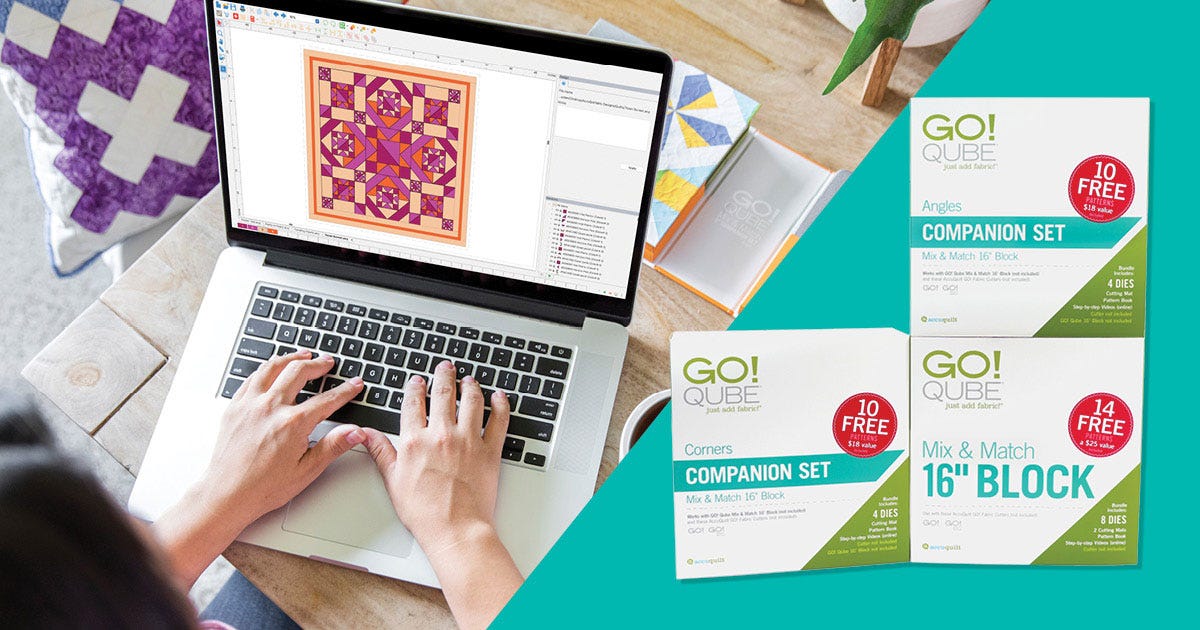
    With the latest update, the entire GO! Qube 16” Mix & Match Block and Companion Sets are now available in the platform—letting you plan, visualize and build bold quilt blocks before you make a single cut.
    Read more »
  9. AccuQuiltable Design Software Complete Tutorial — Basic Tools & Block Maker Walkthrough for Beginners

    AccuQuiltable Design Software Complete Tutorial — Basic Tools & Block Maker Walkthrough for Beginners

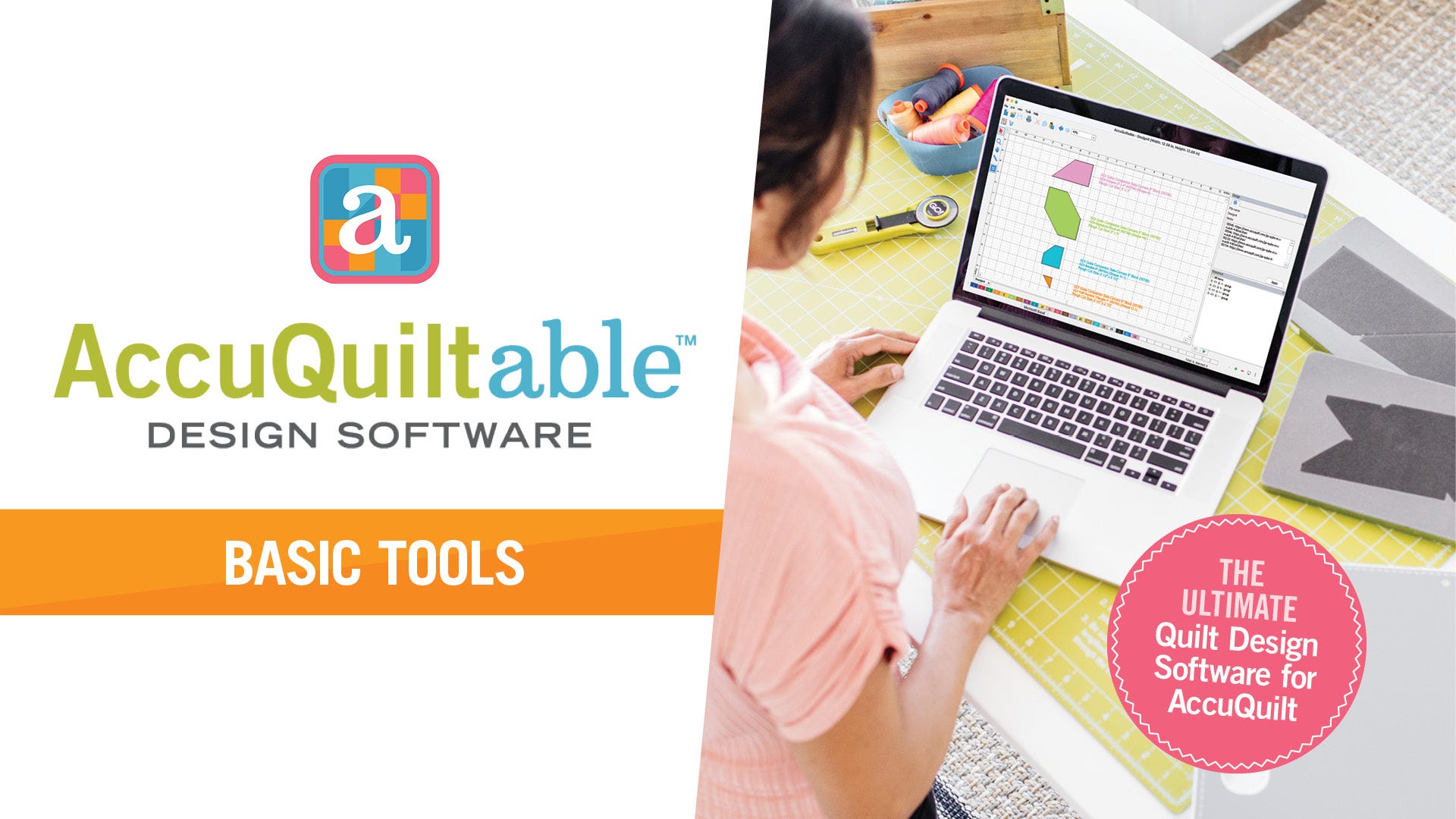
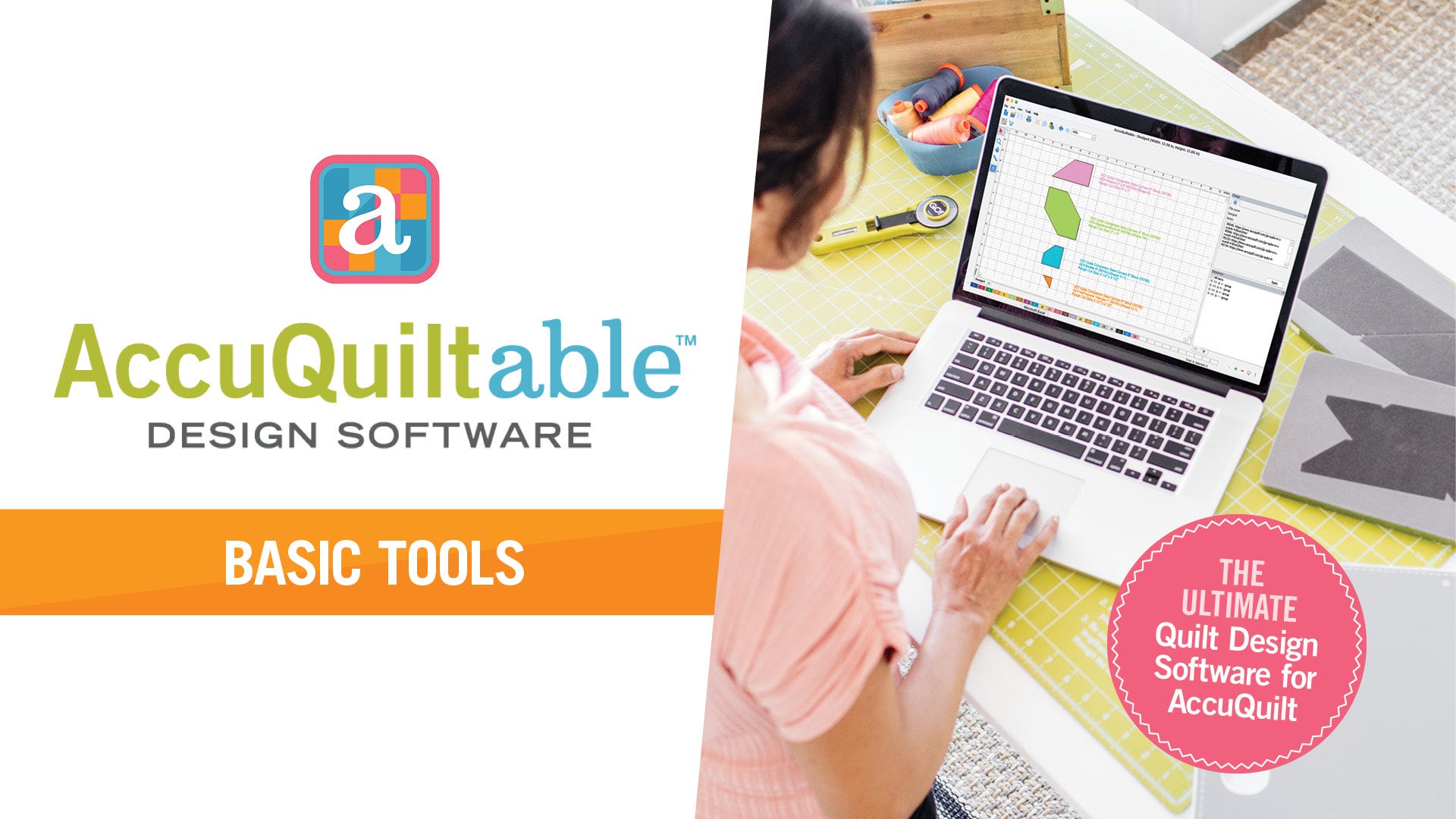
    Welcome to AccuQuiltable Basic Tools! In this video, we’ll help you get familiar with the software and navigating some of the basic functions. This software is a game-changer when it comes to getting the most out of your collection of AccuQuilt dies. Let's dive in!
    Read more »
  10. Introducing AccuQuiltable™ Design Software

    Introducing AccuQuiltable™ Design Software

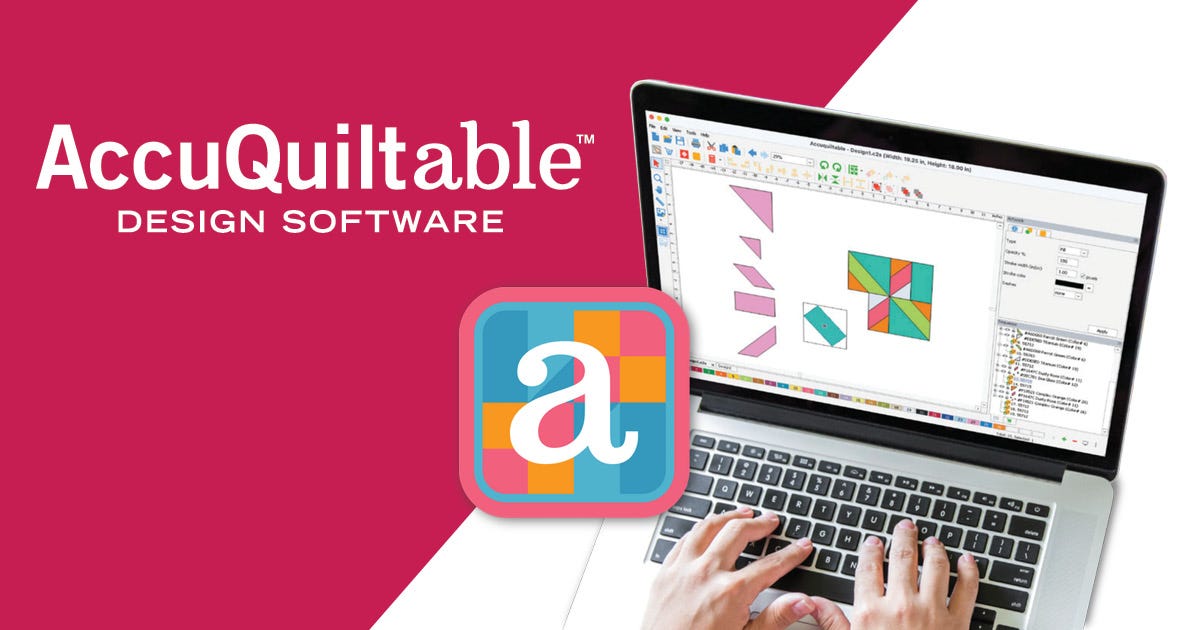
    We're thrilled to introduce AccuQuiltable™, the quilt design software built specifically for AccuQuilt users! Now you can easily plan your next project, experiment with block layouts and visualize your next quilting project. With intuitive tools that make designing, visualizing and cutting a breeze, quilting has never been this fun—or this precise!
    Read more »
  11. AccuQuiltable Design Software Tutorial — Getting Started with Basic Tools & Navigation

    AccuQuiltable Design Software Tutorial — Getting Started with Basic Tools & Navigation

    Unlock the full potential of your AccuQuilt GO! Cutting System with AccuQuiltable—the only quilt design software built specifically for AccuQuilt users. See your quilt come to life on screen before making the first cut! 
    Read more »
  12. AccuQuiltable Block Maker Tutorial — Design Custom Quilt Blocks with AccuQuilt Design Software

    AccuQuiltable Block Maker Tutorial — Design Custom Quilt Blocks with AccuQuilt Design Software

    Design quilt blocks and patterns. This powerful module is packed with everything you need to design, organize, and visualize stunning quilt blocks and patterns. Whether you're a seasoned quilter or just starting, Block Maker makes quilting easier, faster, and more fun.
    Read more »