888-258-7913



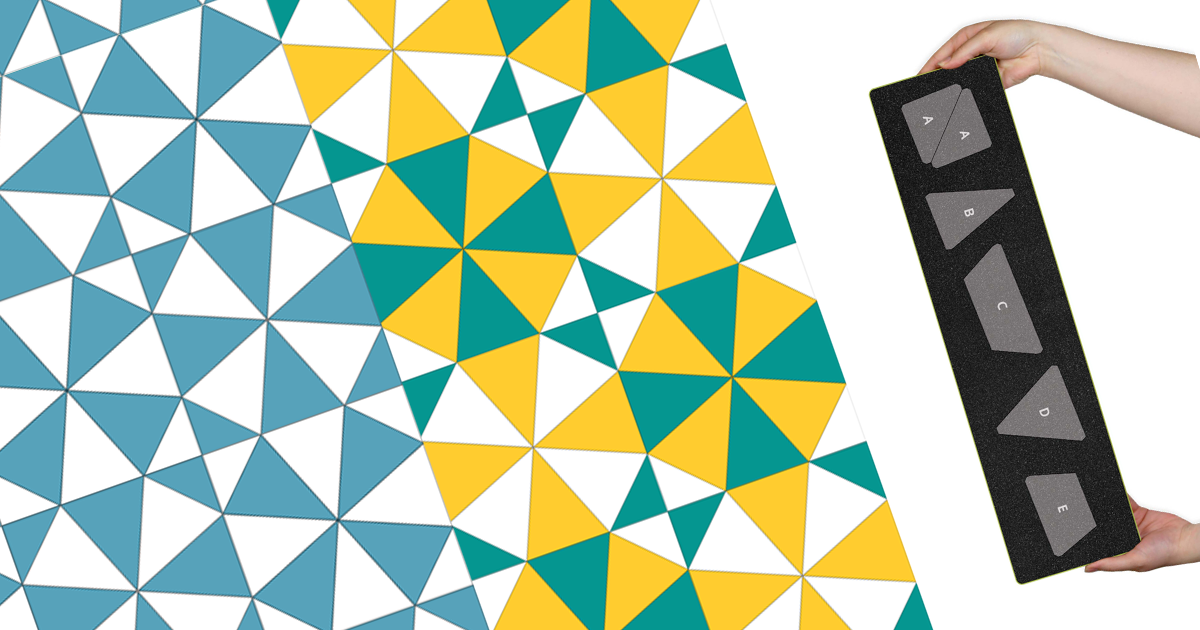
Is there a classic quilt block you’ve always wanted to make but couldn’t find the right dies to make it? I certainly have! There are steps that you can take about this – aways starting with sending a suggestion in to AccuQuilt – and I can assure you that it will be taken into consideration. You can also go to work with resources like AccuQuiltable Software, the GO! Cutting Equivalents Chart or even with graph paper and pencil to fit figure out shapes from different dies to make the block you want – but sometimes the shapes you need just don’t exist. This is my store of making my first Kaleidoscope Block!
This block has been on my mind for years, and I know it has been on your minds as well because we’ve gotten questions about what dies to use to create this classic design. I’ve tried working with dies to create the same look using the GO! Qube Companion Set-Angles with no luck. The block would not lay flat and not work correctly, but the recent release of the GO! Merry Go Round-10” Finished Block on Board® die has changed everything!
-
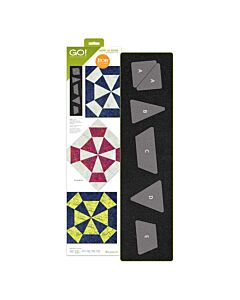 GO! Merry Go Round-10" Finished DieSpecial Price $119.99 Regular Price
$139.99You Save $20.00 -
 AccuQuiltable Design Software - Basic ToolsSpecial Price $19.99 Regular Price
$39.99You Save $20.00 -
 AccuQuiltable Design Software - Block MakerSpecial Price $239.99 Regular Price
$269.99You Save $30.00
How to Build the Block
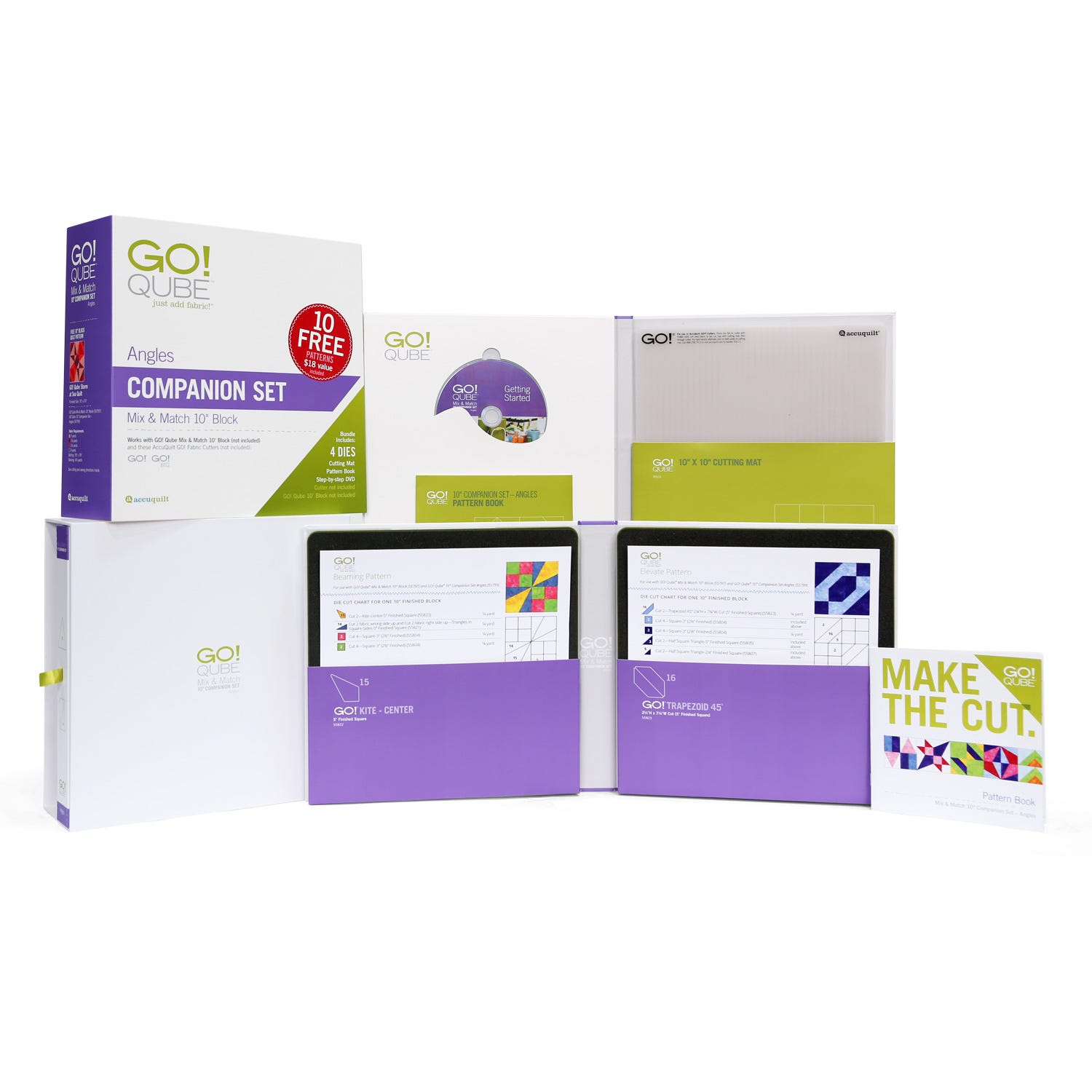
To create the block, you will need both the GO! Merry Go Round die and the GO! Qube 10” Companion Set-Angles. You will need to use Shapes A, B and E, and from the GO! Qube, you will need Shape 13, the Triangle in a Square Center.
There are different ways to work with color and layout with the Kaleidoscope block, from using just 2 colors and having all the blocks the same to going full out scrappy. Depending on the use of one block layout versus two different ones, you will completely change up the secondary patterns that you see, but the basic block goes together just the same.
To create this block you would cut the following pieces:
- 4 teal Shape A, GO! Merry Go Round
- 4 white Shape E GO! Merry Go Round
- 4 white Shape B GO! Merry Go Round
- 4 yellow Shape 13, GO! Qube 10” Companion Set Angles
Stitching Shapes B and E together will make the white Isosceles triangle shape needed.
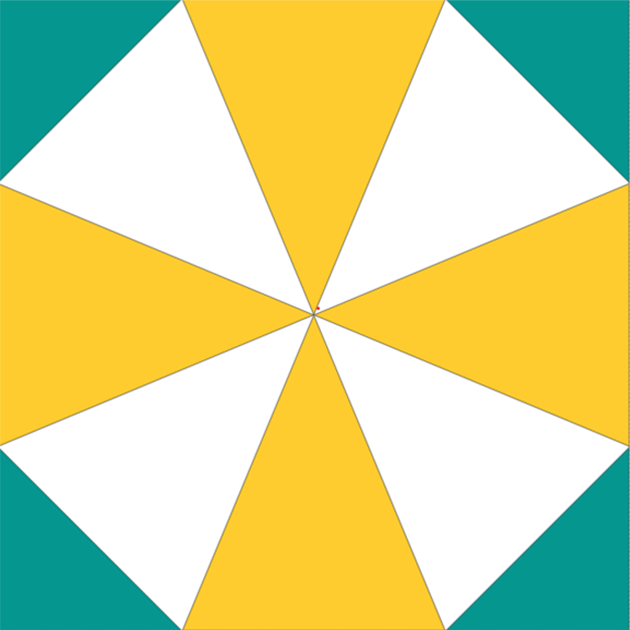
Once you have made a test block, you can get creative and try different color combinations. Now, look at the difference between using two and three colors:
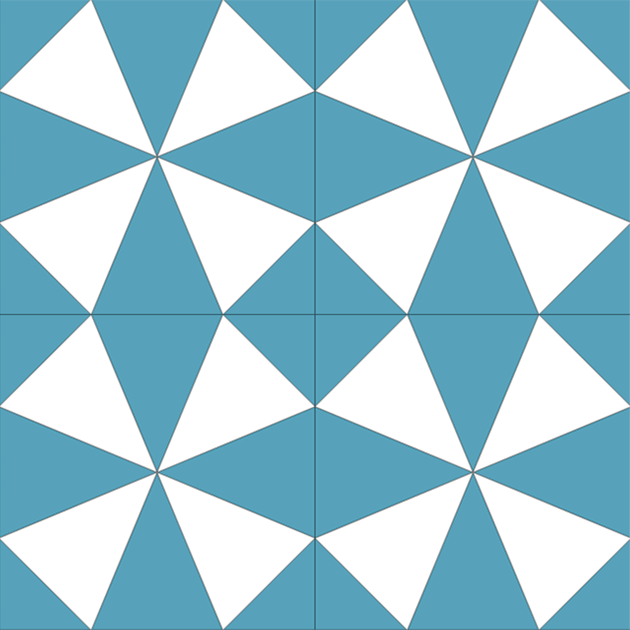
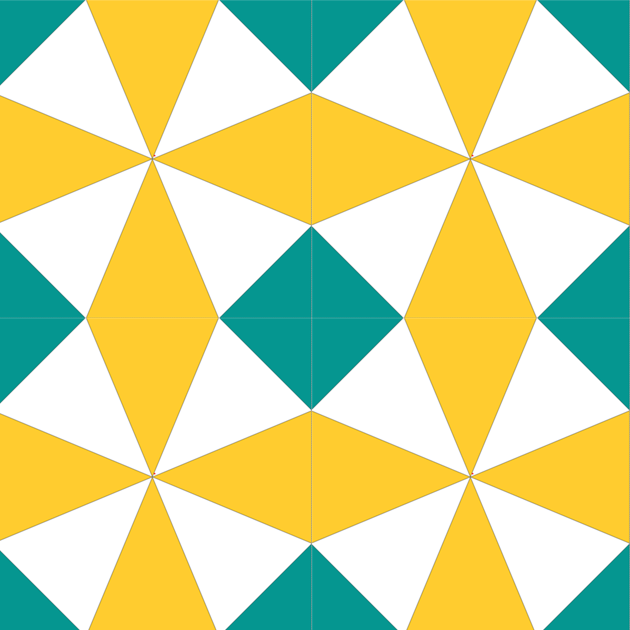
Now look at how the secondary pattern changes when you alternate the colors between blocks:


This really allows that circular pattern to emerge, which is great because you don’t have to sew a single curve to get this look!
Here’s a larger grouping of blocks together so you can get an even better idea of how they will look in your next project:


But That’s Not All
Teaming up the GO! Merry Go Round-10” Finished with the GO! Qube 10” Companion Set-Angles opens so many more creative options, and here’s how!
Sewing together shapes A, B and E from the GO! Merry Go Round creates a kite shape that will be the same size as shape 15. That means you can use that to inter-change those units and that you can use the Shape 14 Triangle in a Square sides on the pieced version.
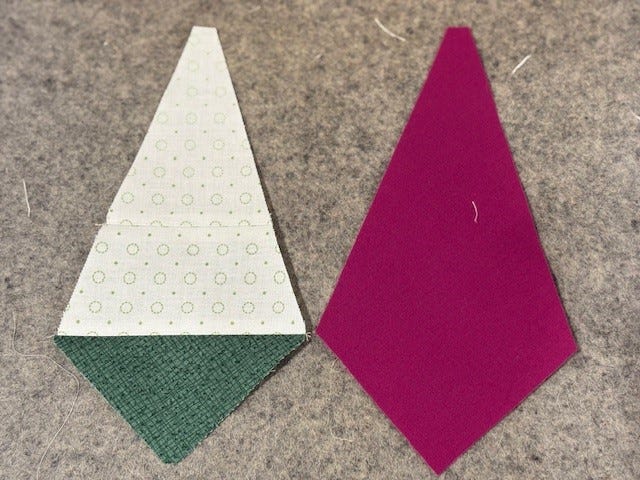
Now, look at shapes C and D. Piecing those shapes together gives you the unit equal to Shape 13, as we discovered above. That means the Shape 14 Triangle in a Square Sides will work on the pieced unit for more options.

You can see how the GO! Merry Go Round is the perfect addition for any quilter who owns the GO! Qube Mix & Match 10” Finished Block and Companion Sets, especially Angles. By exchanging units you’ll be able to create so many different looks and designs your quilting mind will spin round and round! You can find this die during the month of May, while supplies last, from AccuQuilt.com or your local AccuQuilt Dealer.